Video player
A video with accessible controls — HLS through an hls.js loaded only when needed, signed sources resolved at the last moment, subtitles, speed, full screen, a pause when it leaves the screen.
Web and mobile — the same component for React and React Native. Beta: its API may still change in a minor version.
When to use
- To play a video on a page: a watch page, a lesson, a product tour, a creator's clip.
- With
srcas a function when the address is signed and short-lived: it is fetched when needed, and again after an error. - With
overlayto draw a gate over the video (sign in, unlock, age check) without forking the player.
When not to use
- For a short decorative loop with no sound:
controls={false},autoPlay,loop,muted— or a still image under reduced motion. - For a sound without a picture: the audio player.Use instead: Audio player
Installation
Install
npm install @krizaka/ui @krizaka/tailwind @krizaka/tokens tailwindcssStyles
@import "tailwindcss";
@import "@krizaka/tailwind";
@import "@krizaka/ui/tailwind.css";
Import
import { VideoPlayer } from "@krizaka/ui/video-player";Examples
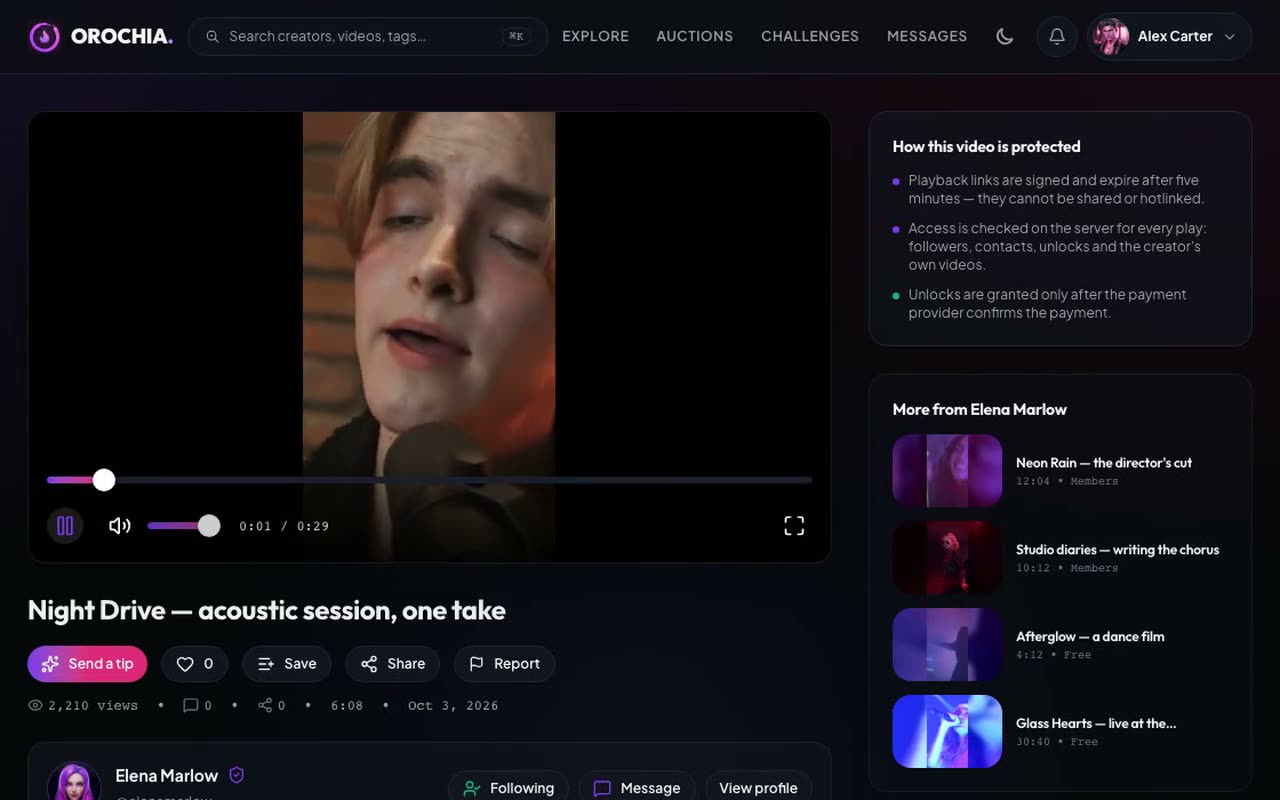
Default
An MP4 with its poster and the full set of controls.
Signed source
src as a function: a short-lived address asked from the server on the first play.
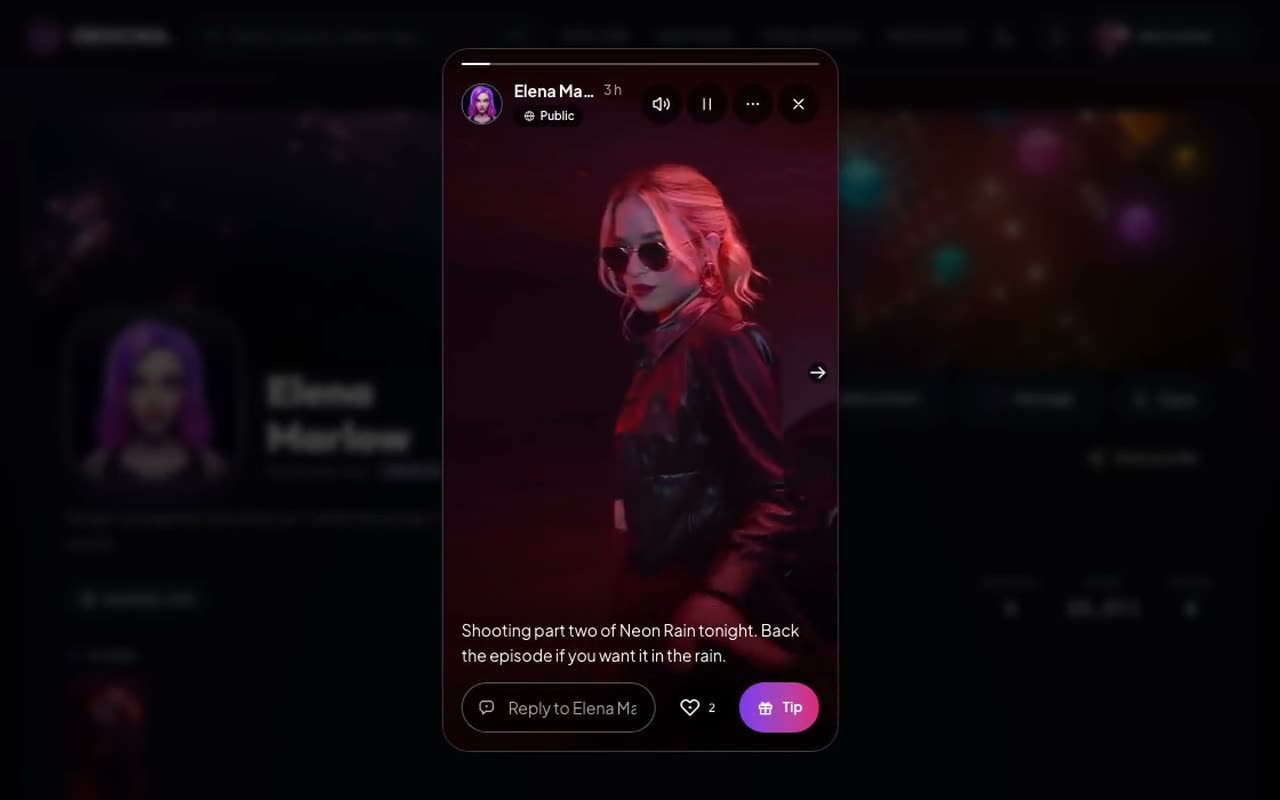
Vertical
A 9:16 clip, muted, looping — autoplay waits under reduced motion.
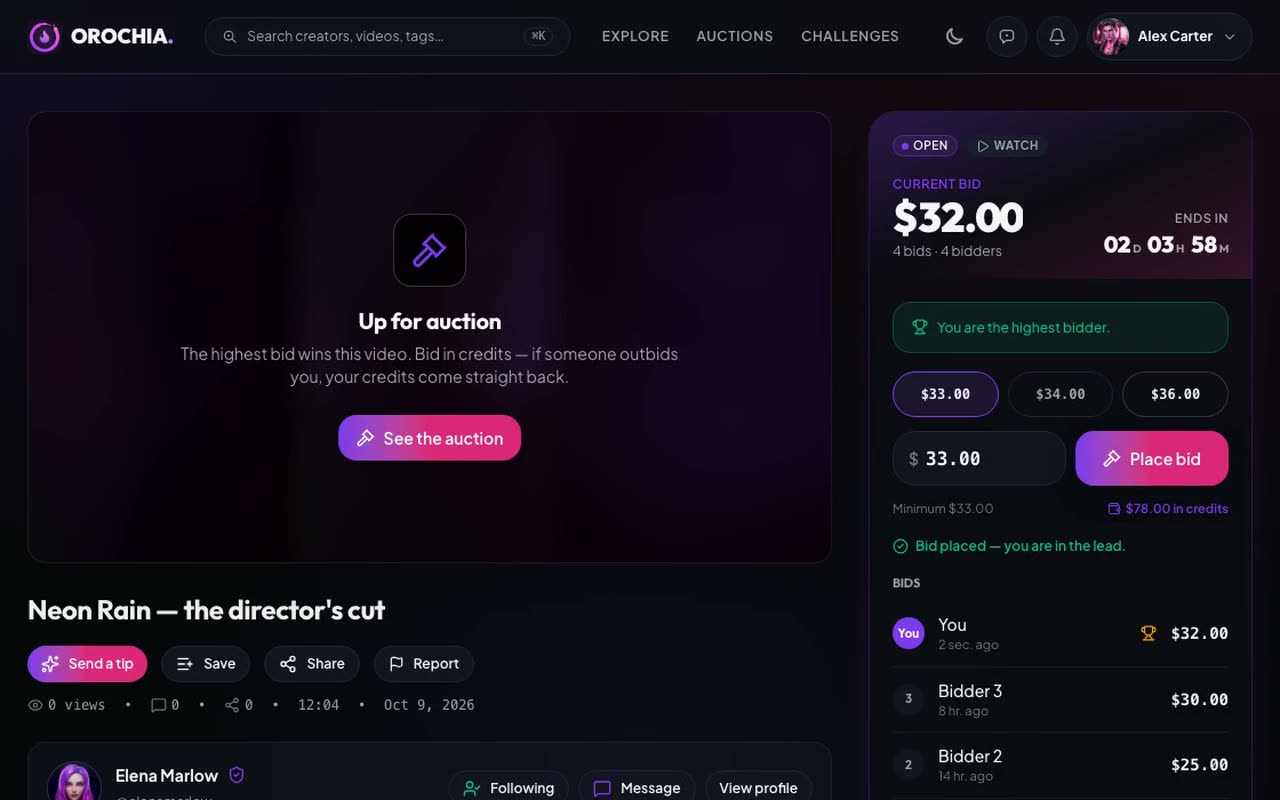
With a gate
overlay: the app draws its own gate over the video, the controls step aside.
Supporters only
Unlock this video with a tip of $5 or more.
Props
A video player with accessible controls, HLS on demand, signed sources, subtitles, speed, full screen.
| Prop | Type | Default | Description |
|---|---|---|---|
srcrequired | string | (() => Promise<string>) | — | The address of the video (MP4, WebM, or an HLS .m3u8), or a function that resolves a signed one when needed. |
titlerequired | string | — | The accessible name of the player ("Video: Sunset over Montréal"), passed translated. |
aspectRatio | string | 16 / 9 | The width / height ratio of the frame. Default "16 / 9"; "9 / 16" for a vertical video. |
autoPlay | boolean | — | Starts playing, muted (browsers refuse sound without a gesture) — not under reduced motion. |
className | string | — | Classes merged on the root. |
controls | boolean | true | Shows the controls (default). false: a bare video (a background loop) — give it no sound. |
labels | Partial<VideoPlayerLabels> | — | The words, passed translated; English by default. |
loadHls | (() => Promise<HlsModule>) | — | Loads hls.js when the browser cannot play HLS itself: () => import("hls.js"). Without it, HLS needs Safari. |
loop | boolean | — | Plays again from the start at the end. |
muted | boolean | false | Starts muted. |
onEnded | (() => void) | — | Called at the end. |
onError | ((error: unknown) => void) | — | Called when the video cannot play (a network failure, an expired address). |
onPause | (() => void) | — | Called when playback pauses. |
onPlay | (() => void) | — | Called when playback starts. |
onTimeUpdate | ((time: number) => void) | — | Called as the time moves, in seconds (a few times a second). |
overlay | ReactNode | — | Covers the video and hides the controls: a gate (sign in, unlock, age check) drawn by the app. |
pauseWhenHidden | boolean | true | Pauses when less than a quarter of the player is on screen. Default true. |
playbackRates | readonly number[] | [0.5, 1, 1.25, 1.5, 2] as const | The speeds offered by the speed button. Default [0.5, 1, 1.25, 1.5, 2]. |
poster | string | — | The picture shown before playback. |
preload | "metadata" | "none" | "auto" | metadata | How much to fetch before playback: none (a list of many videos), metadata (default), auto. |
tracks | readonly VideoTrack[] | [] | Subtitles or captions (WebVTT): the C key and a button cycle through them. |
type | "auto" | "file" | "hls" | auto | auto (default): HLS when the address ends in .m3u8. |
Accessibility
- A
regionnamed bytitle, focusable; every button is named by a prop and says its state (“Pause”, “Unmute”). - Seek and volume are sliders (
@krizaka/ui/slider) whose value is read as a time (“1:05 of 3:20”) or a percentage. - A failure is announced (
role="alert") with a retry; waiting for data is a status (“Loading”). - Under reduced motion autoplay waits for a gesture and the controls appear without fading.
Keyboard
| Keys | Action |
|---|---|
| Space / K | Play or pause (the player has the focus). |
| Arrow Left / Arrow Right | Back or forward 5 seconds. |
| J / L | Back or forward 10 seconds. |
| Arrow Up / Arrow Down | Volume up or down. |
| M · F · C | Mute, full screen, subtitles. |
| Home / End · 0–9 | Start, end, or a tenth of the video. |
Best practices
- Pass hls.js as
loadHls={() => import("hls.js")}: the module is downloaded only by browsers without native HLS (Chrome, Firefox), never by Safari or iOS. - Name the player by its content (
title="Video: Sunset over Montréal") and pass every control's words inlabels. - Use
preload="none"in a list of many videos,metadata(default) on a watch page. - Give subtitles (
tracks, WebVTT): the C key and a button cycle through them. - In React Native, import it from
@krizaka/ui/native/video-player(expo-video, an optional peer).
Related components
Generated from the code of @krizaka/ui 2.4.0: its meta.ts, its examples and its types.Edit this documentation on GitHub
Media capture
The camera in the page: a photo or a clip, front or back, the permission asked only on a gesture, and a way out every time the camera cannot start.
Video trimmer
The trim timeline of a video editor: two edge handles over a filmstrip frame the part kept, the outside dimmed, a playhead to scrub — every part stylable, the keyboard included.