List
A long list for React Native on FlashList v2 — separators, skeleton rows, empty and error states, pull to refresh, the next page loaded near the end through useInfiniteQuery of @krizaka/query.
Mobile only — React Native, from @krizaka/ui/native/list. Beta: its API may still change in a minor version.
When to use
- Any scrolling list of an app screen: notifications, messages, a feed, search results, payouts.
- A paginated API (
useInfiniteList): one hook, one component — pages, refresh and errors handled.
When not to use
Installation
Install
npx expo install react-native-svg
npm install @krizaka/ui
Import
import { List, useInfiniteList } from "@krizaka/ui/native/list";Wrap the app once in ThemeProvider from @krizaka/ui/native: every component reads its colour roles.
Examples
React Native has no live preview on the web: each example shows the screenshot of its story, tested in both themes, and the code to copy.
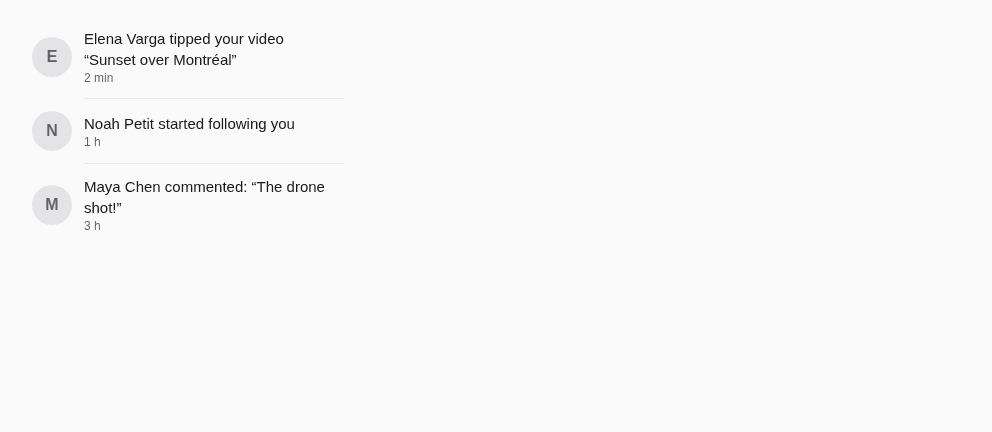
Default
Notifications with avatars, separators inset after the avatar.

Infinite
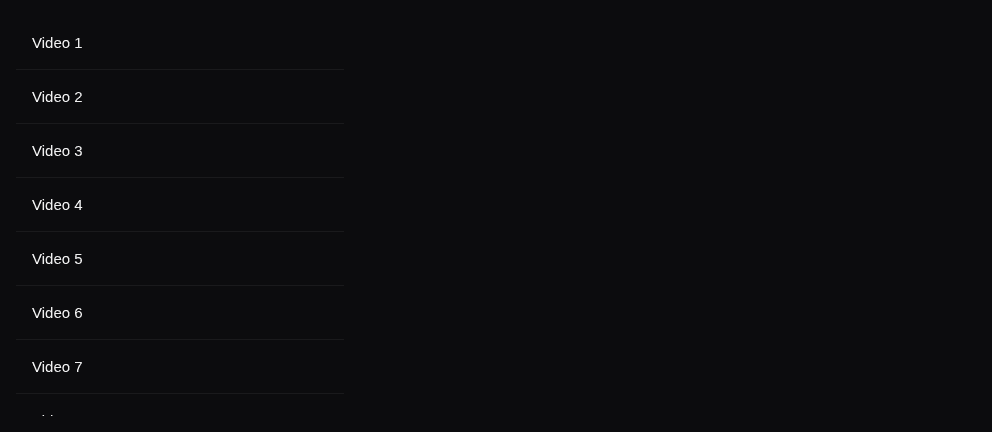
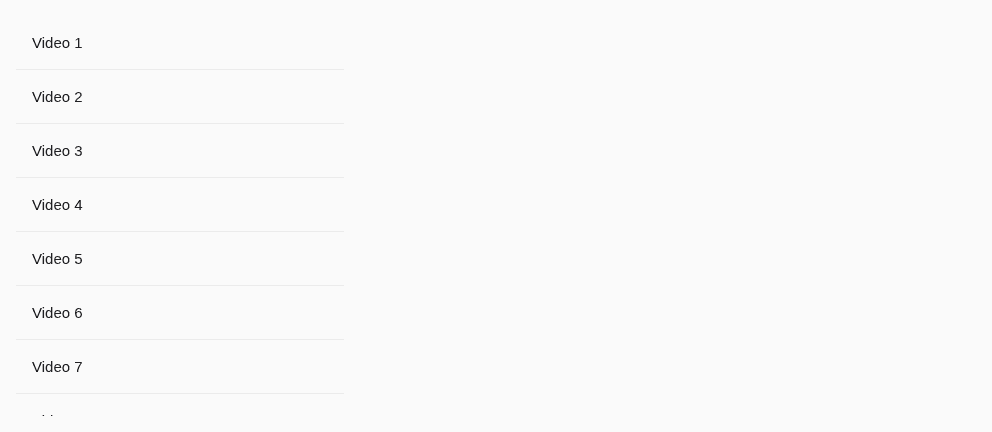
useInfiniteList on a paginated API (faked here with configureKrizakaFetch): the next page near the end, pull to refresh.
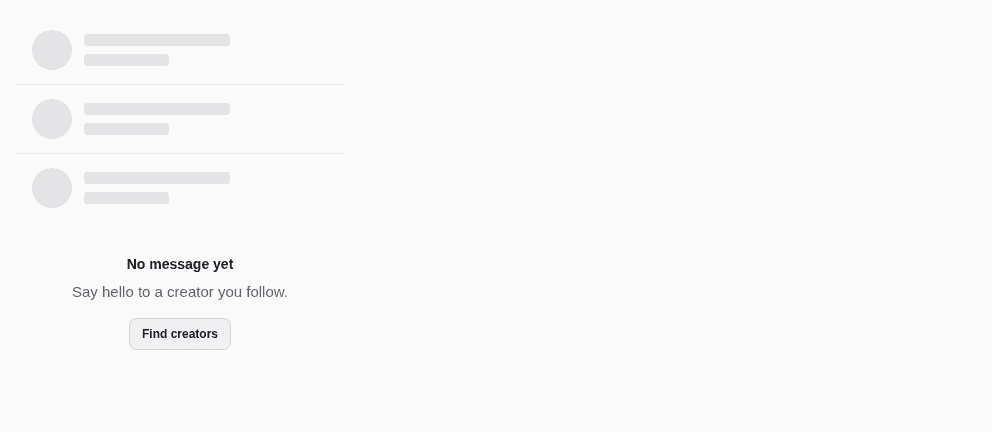
Loading and empty
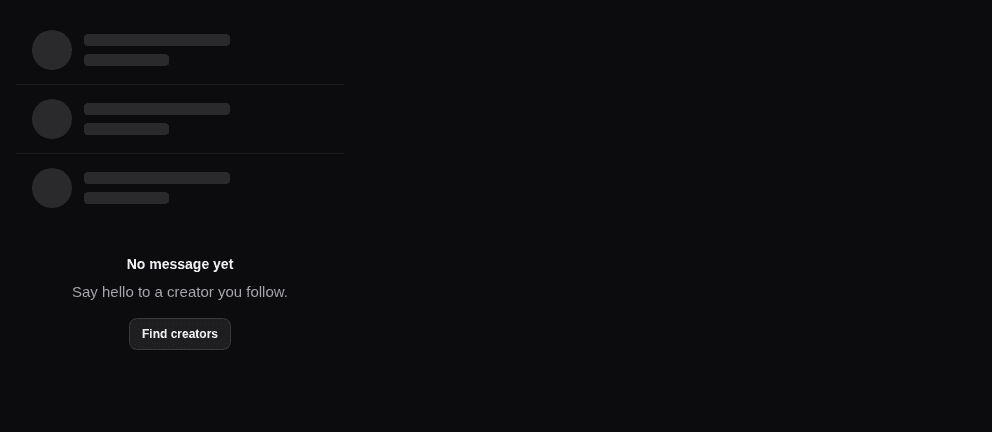
Skeleton rows while the first page loads; the empty state with what to do next.
Props
A long list on FlashList v2 (recycled views, 60 fps): separators, skeleton rows while the first page loads, an empty
or error state in place of the items, pull to refresh tinted with the theme, the next page asked for near the end and
a spinner under the last item. With useInfiniteList, a paginated API is one hook and one component.
| Prop | Type | Default | Description |
|---|---|---|---|
datarequired | readonly T[] | — | The items (stable: a query's data, state). |
keyExtractorrequired | (item: T, index: number) => string | — | A stable key per item (an id): FlashList recycles the views by it. |
labelrequired | string | — | The accessible name of the list ("Notifications"), passed translated. |
renderItemrequired | (item: T, index: number) => ReactElement<unknown, string | JSXElementConstructor<any>> | null | — | Draws one item. |
contentContainerStyle | StyleProp<ViewStyle> | — | Styles of the list's content (padding). |
empty | ReactNode | { title: string; description?: string; action?: ReactNode; } | — | Shown when there is no item (an EmptyState, or its words: { title, description, action }). |
endReachedThreshold | number | 0.5 | How far from the end onEndReached fires, in screens. Default 0.5. |
error | ReactNode | — | A failure, shown in place of the items (an ErrorState with a retry). |
extraData | unknown | — | Extra data the items depend on (a selection): a change re-renders the visible items. |
footer | ReactElement<unknown, string | JSXElementConstructor<any>> | — | Under the last item. |
header | ReactElement<unknown, string | JSXElementConstructor<any>> | — | Above the first item (a title, filters): scrolls with the list. |
loading | boolean | — | The first page is loading: skeleton rows (loadingRows of them) in place of the items. |
loadingMore | boolean | — | The next page is loading: a spinner under the last item, named by loadingMoreLabel. |
loadingMoreLabel | string | Loading more | The name of that spinner ("Loading more"), passed translated. |
loadingRows | number | 6 | How many skeleton rows while loading. Default 6. |
onEndReached | (() => void) | — | Called when the end comes near: load the next page. |
onRefresh | (() => void) | — | Pull to refresh: called when the person pulls the list down. |
ref | Ref<FlashListRef<T>> | — | The FlashList, for scrollToIndex / scrollToOffset. |
refreshing | boolean | false | The list is reloading after a pull: the system's spinner at the top. |
separator | "none" | "full" | "inset" | full | A hairline between items: full (default), inset (aligned with the text after an avatar), none. |
style | StyleProp<ViewStyle> | — | Styles merged last, on the list. |
Accessibility
- The list is named by
label; while the first page loads it isaria-busyand its skeleton rows are hidden from assistive technology. - An error is announced (
role="alert"); the spinner of the next page is named byloadingMoreLabel. - Pull to refresh is the system's control (tinted with the theme);
onRefreshshould also be reachable from a button for switch and voice access.
Best practices
- Give
keyExtractoran id: FlashList recycles the views by it. - Fetch with
useInfiniteList(adefineKeyskey,krizakaFetchinqueryFn) and spread itslistPropsonList. - Render
errorwith anErrorStateand a retry; giveemptyits words ({ title, description, action }). - Keep
renderItemlight (no state per item): views are recycled while the person scrolls.
Related components
Generated from the code of @krizaka/ui 3.0.0: its meta.ts, its examples and its types.Edit this documentation on GitHub